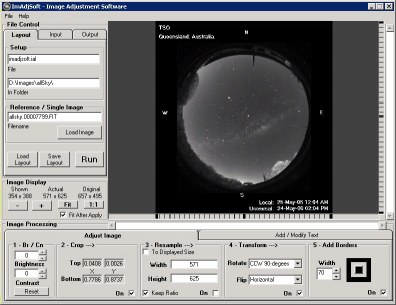
The ImAdjSoft interface displays most of the available image adjustment processes and is where layouts are created. The five main sections of the interface are arranged around the Image display window. From top-left to bottom right, these are:
File Control 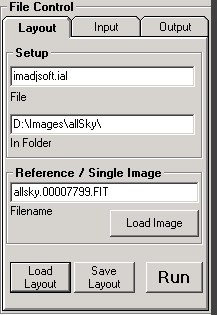 |
| All file handling is specified in this group of tabs. Layout and input file location, input file format, output file format, location and source image handling options are all defined in this section. |
Viewing Controls  |
| Are for adjusting the size of the displayed image and shows the relevant working image sizes. |
Edit Mode - Image  |
| Selecting the Edit Mode/Image tab exposes the image processing controls: Brightness, Contrast, Crop, Resize, and Rotate/Flip. |
Edit Mode - Text 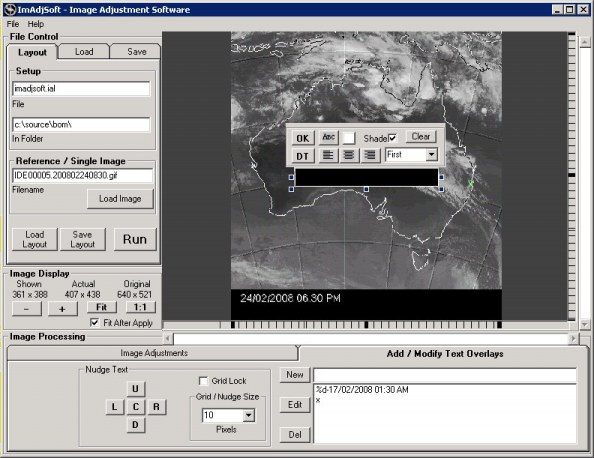 |
Selecting the Edit Mode/Text tab exposes the text editing controls and displays a text input window over the image for text entry. A small text toolbar is anchored to the text window for adjusting the text formatting parameters. |
Image display 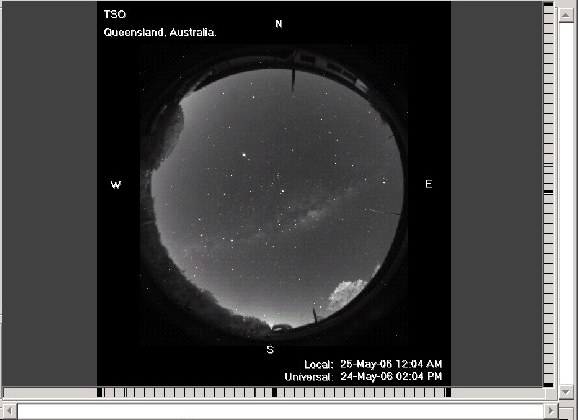 |
| Shows the image being worked on. The image may be a reference image which represents all images to be be processed using a new layout being created, or it can just be an image that you wish to process as a one-off. Either way, the image is shown with selected processing applied. |